Passkey
Sign in
Device not supporting passkey
1
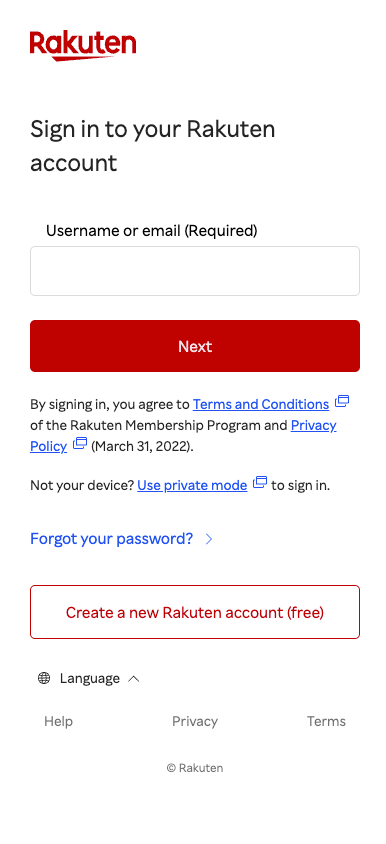
To sign in to your Rakuten account, first enter your username or email address and password.
2
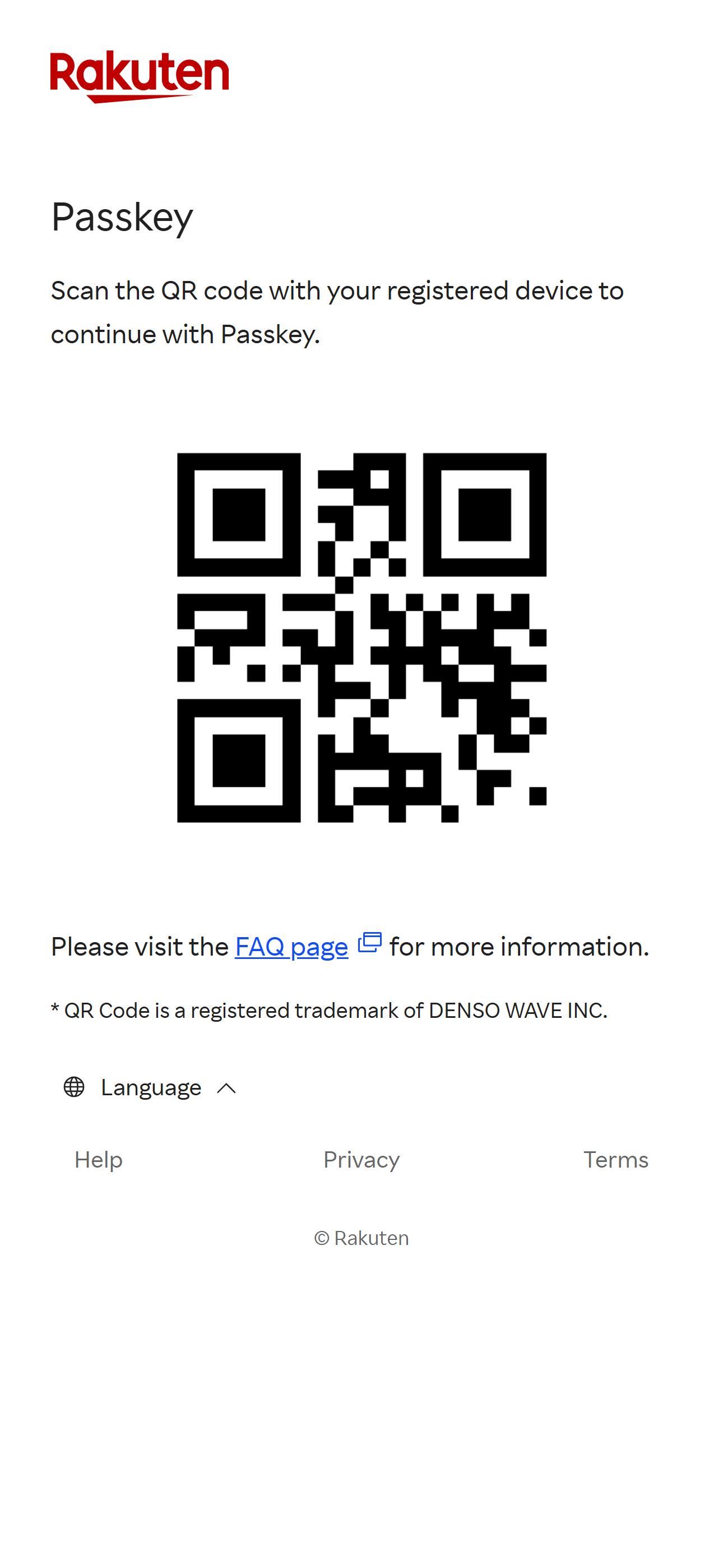
If your device does not support passkeys, please scan the displayed QR code with another device that already has a passkey.
3
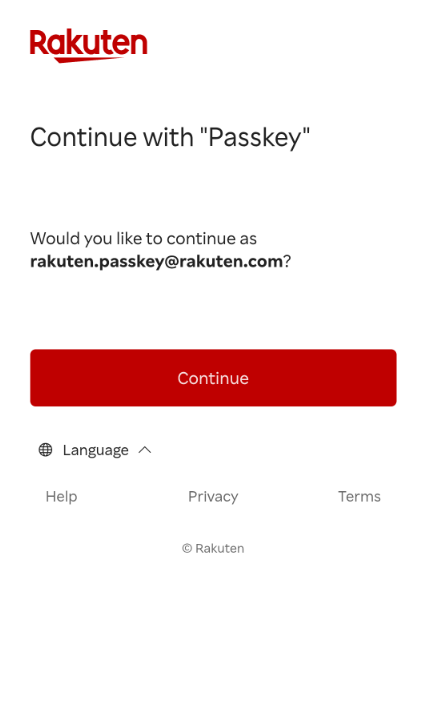
Press "Continue".
4
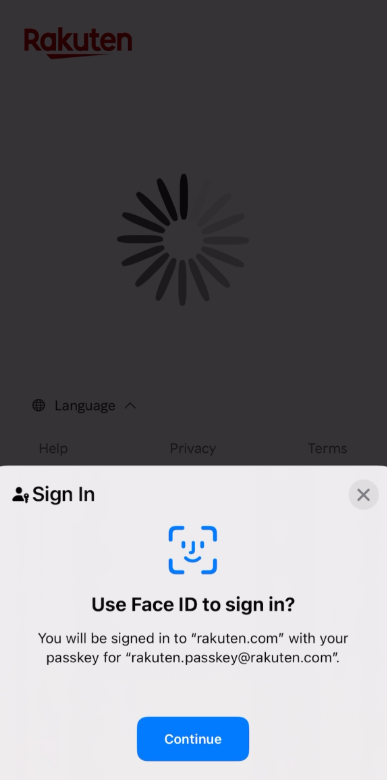
You will receive a notification requesting you to use your device's default authentication method (biometrics, PIN code, or pattern) to authenticate. Press "Continue" or the option shown on your device to proceed with the authentication.
5
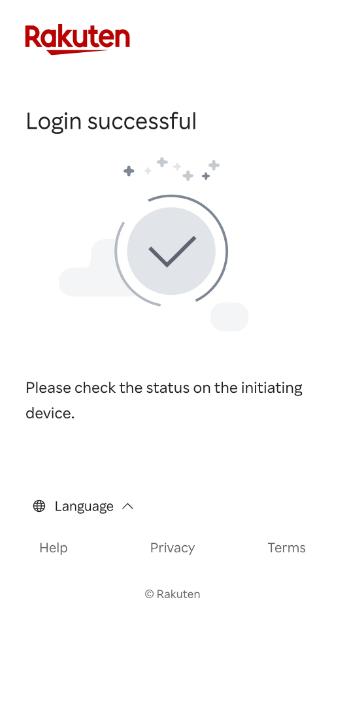
Once the authentication is completed, you will be automatically signed in to your Rakuten account on the initial device.
1
To sign in to your Rakuten account, first enter your username or email address and password.
2
If your device does not support passkeys, please scan the displayed QR code with another device that already has a passkey.
3
Press "Continue".
4
You will receive a notification requesting you to use your device's default authentication method (biometrics, PIN code, or pattern) to authenticate. Press "Continue" or the option shown on your device to proceed with the authentication.
5
Once the authentication is completed, you will be automatically signed in to your Rakuten account on the initial device.
Rakuten Group
Rakuten Group